Sousbook Is Live: A Recipe Organizer for iPhone and iPhone Duo
Sousbook is live on the App Store: save and scan recipes, build grocery lists, and cook from your personal cookbook. Our first app with iPhone Duo support.
On this page
Sousbook is now live on the App Store. It is a recipe organizer for iPhone that brings website recipes, printed pages, photos and pasted text into one personal cookbook. It is also our first app with iPhone Duo support.
The idea started with an everyday kitchen problem: the recipe you want is somewhere in your bookmarks, camera roll, messages or a cookbook on the shelf. Once you find it, you still have to turn it into a shopping list and keep finding your place while you cook.
Sousbook brings those jobs together: save a recipe, collect the ingredients you need, then follow the directions when dinner is underway. You can download Sousbook here or explore the features and purchase options.
A personal recipe book for the recipes you already love
Sousbook is built around your own collection. Save the weeknight dinner you make repeatedly, add a family recipe, or keep a recipe from a supported website with its source link and your notes. Search, favorites and categories help you find it again.
Your personal cookbook starts empty. The introduction and the screenshots use sample recipes to show how the app works; they are not a bundled recipe subscription.
Save website recipes and scan printed recipes on iPhone
There are several ways to add a recipe to Sousbook:
- Import a supported website link. Keep a structured recipe and its original source together.
- Scan a printed recipe. Use the camera or select photos of pages you have permission to copy. Multi-photo import handles recipes that continue onto another page.
- Paste recipe text. Bring ingredients and directions from text you already have.
- Add your own recipe. Record a family favorite with your own instructions and notes.
Review imported ingredients, quantities and steps before saving. On supported devices with Apple Intelligence available, optional scan cleanup offers changes you can review before applying.
What about recipes saved on TikTok or Instagram?
Share a link to Sousbook, then use text supplied by the sharing app, paste the recipe caption, or read screenshots of the ingredients and directions. Review the result before saving. Sousbook does not automatically fetch social posts or transcribe videos; a video that only explains the recipe aloud needs ingredients and steps entered or pasted separately.
Our first app with iPhone Duo support
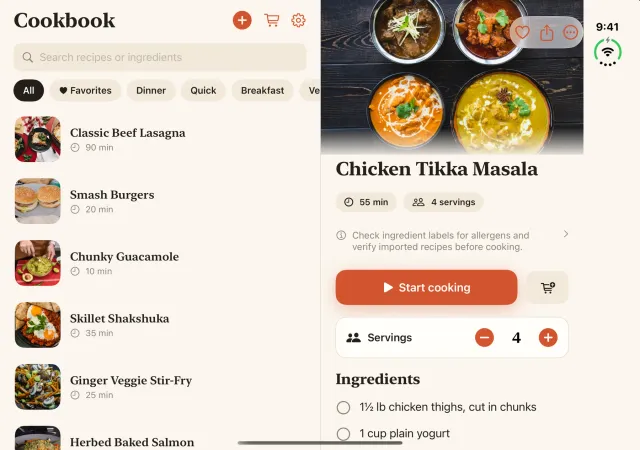
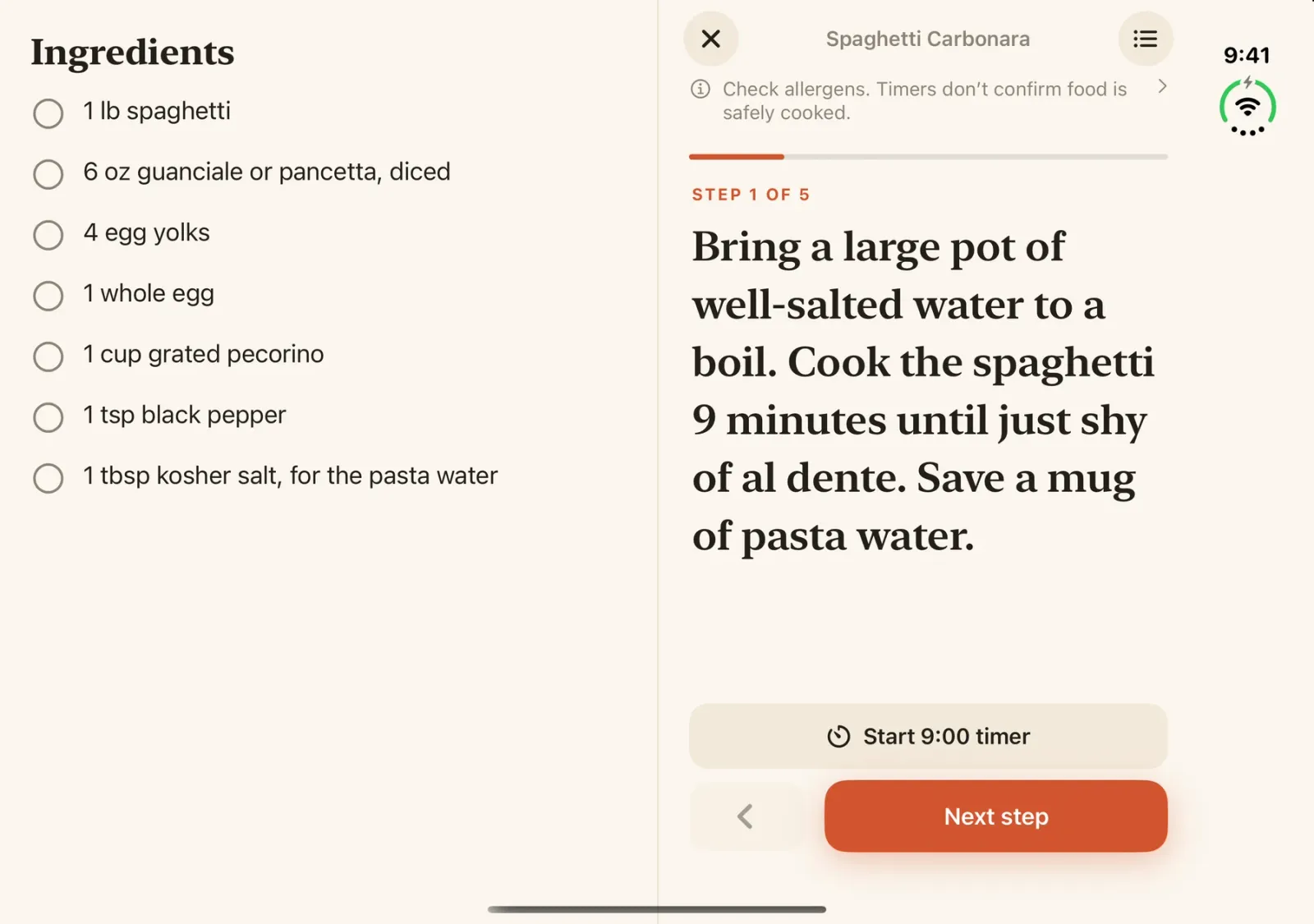
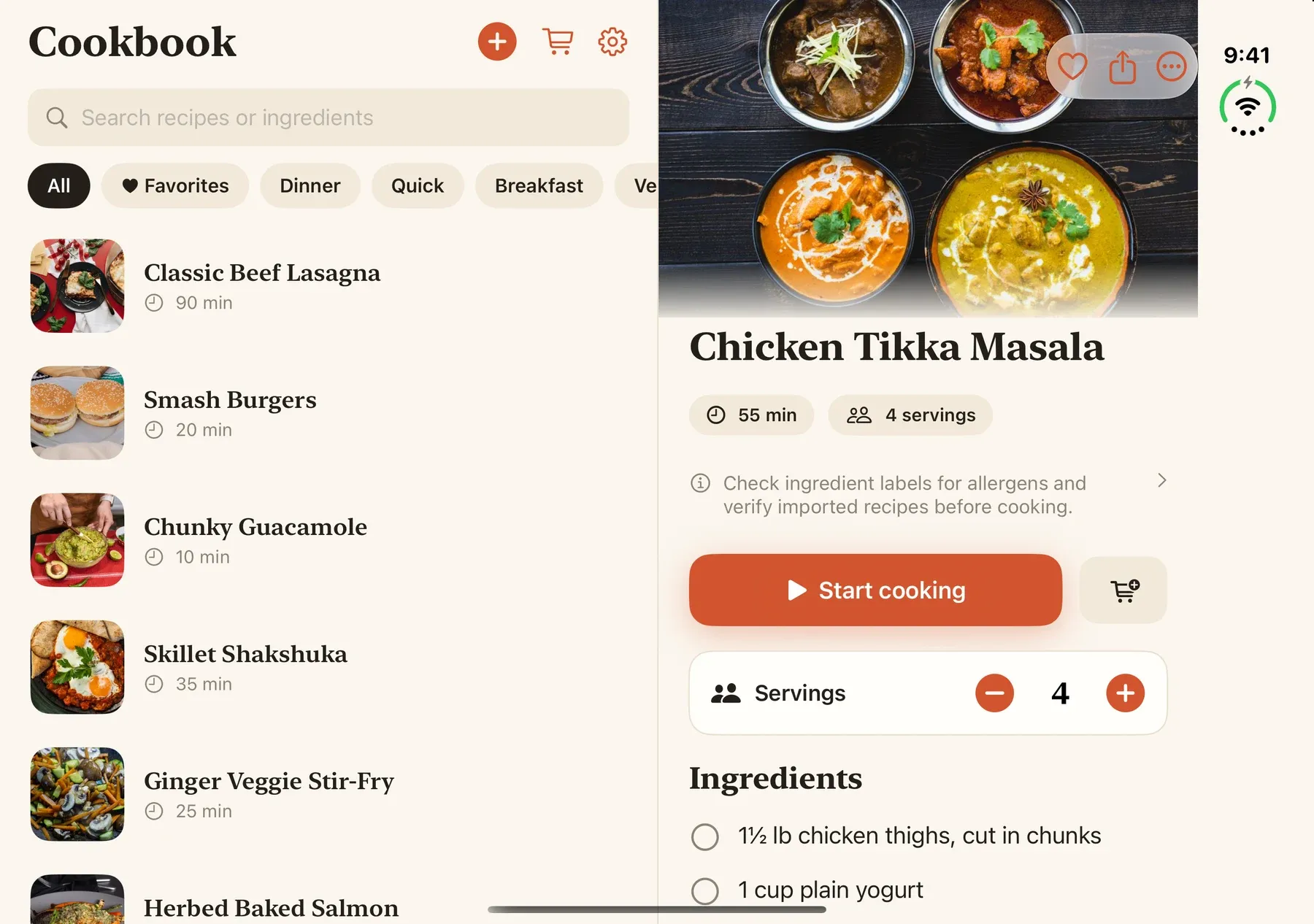
A wider display is useful in the kitchen when it keeps the information you need together. Sousbook’s expanded layout places the cookbook beside the selected recipe. In cooking mode, the ingredient checklist sits beside the current direction, so you can check a quantity without scrolling away from the step.
The compact layout works on a standard iPhone and on Duo’s cover display. You do not need a Duo to use Sousbook; the extra space gives the same personal cookbook a more spacious layout.
For anyone exploring apps for iPhone Duo, that is what we wanted to contribute: a recipe book that uses the larger display for a practical task.
As of this launch post, Apple lists iPhone Duo availability for October 23, 2026. The Duo images here come from Apple’s simulator. They show the layouts we built and tested there; physical hardware testing is a separate milestone. Our earlier iPhone Duo development preview goes into the layout work in more detail.
Turn recipe ingredients into a grocery list
Saving a recipe is only part of getting dinner made. Sousbook turns ingredients into a grocery list organized by aisle, so your cookbook can help with the shopping trip too.
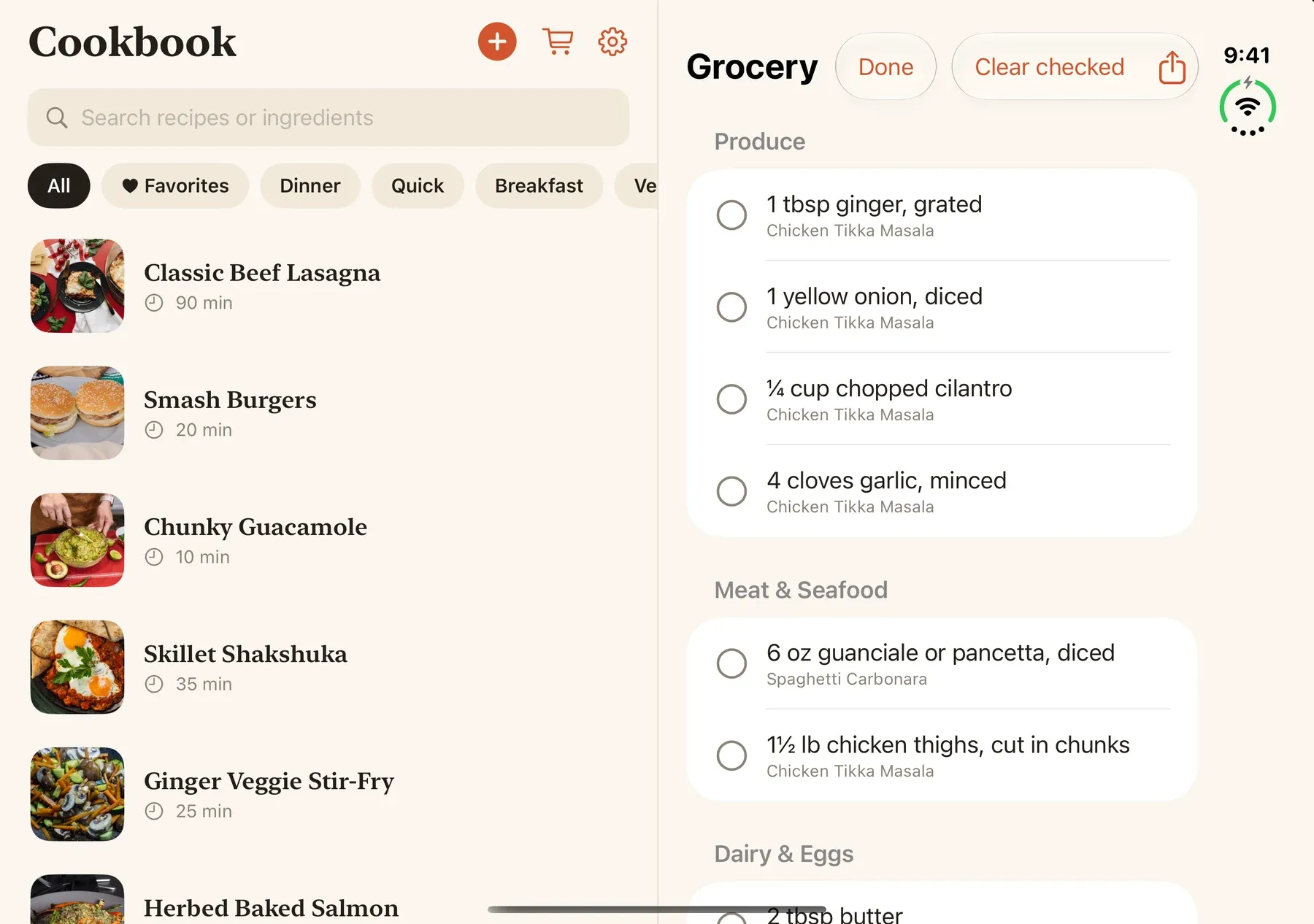
When it is time to cook, adjust the servings, switch between US and metric units, and follow directions step by step. Cooking timers support Live Activities on the Lock Screen, with local alerts when notifications are enabled. The screen can stay awake while you cook.
Read your saved recipes offline
Saved recipes are stored on your device and can be read offline. Once a recipe is in your cookbook, you can open it without loading its original website again.
Website imports, private iCloud sync when enabled, and purchasing or restoring Pro require an internet connection. No separate Sousbook account is required. Recipe text recognition and optional model-assisted parsing happen on your device; the privacy policy explains storage and purchase reporting.
Imported text and serving conversions can contain mistakes. Check quantities and directions against the source before cooking, and follow the food safety guidance. A timer helps you track a step; it does not establish safe doneness.
Get Sousbook on the App Store
Sousbook 1.0 is available now on the US App Store for iPhone running iOS 26 or later.
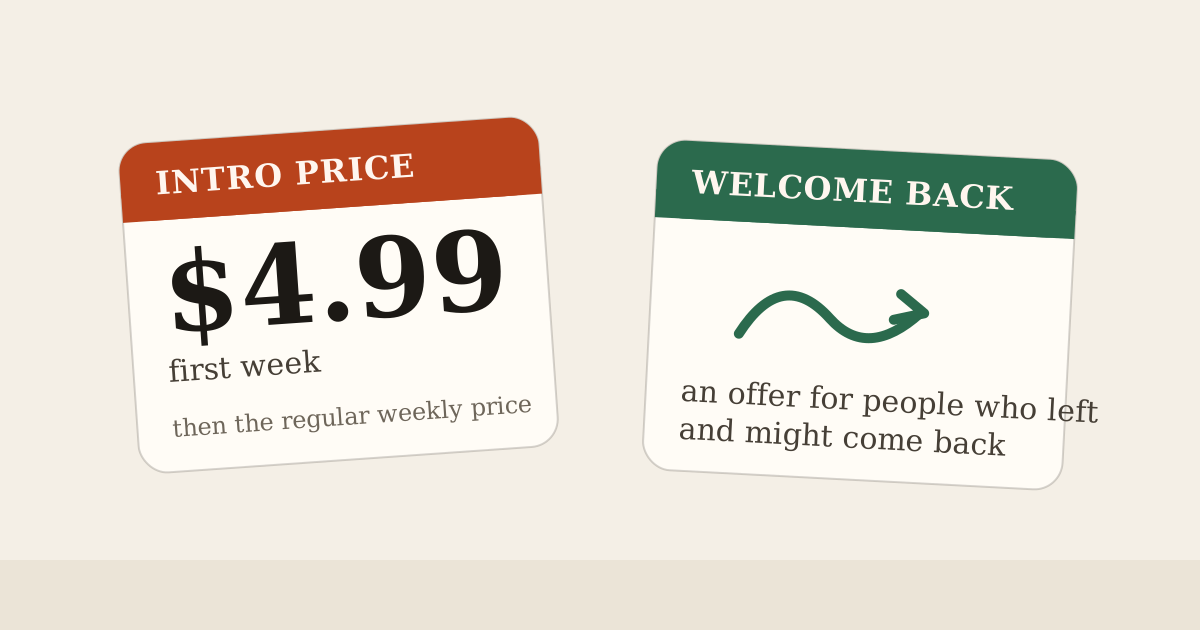
The download includes an interactive sample introduction. Your own cookbook and cooking features require Sousbook Pro, available as an annual auto-renewing subscription or a one-time lifetime purchase. Check the app and Apple’s purchase confirmation for current prices and any trial eligibility.
If your favorite recipes are scattered across tabs, photos and paper, Sousbook gives them a home you can take from the kitchen counter to the grocery store.
Download Sousbook for iPhone · Explore Sousbook · Get support